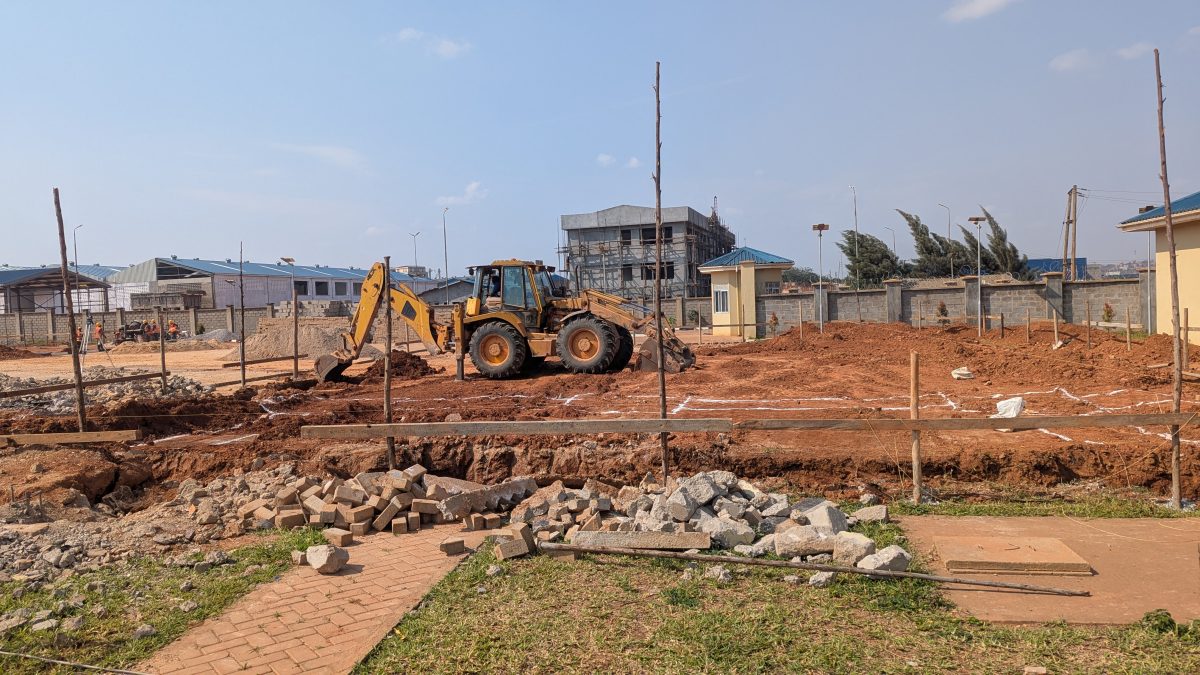
Ask someone halfway through building a house how much they have spent so far, and the honest answer is often "I'm not sure". The money went out in dozens of payments: cement this week, the iron bender on Friday, sand on Monday, a transfer to the foreman for "small things". Each one made sense at the time. Added up, they are often more than anyone expected.
Keep track of your build from anywhere
Track My Build keeps your spending, stages and site photos in one place, so you can see how the work is going.
Try Track My Build →Tracking construction expenses is not difficult, but it has to be done the same way every time, starting before the first payment. This guide shows a simple method that works for a bungalow, a duplex or a block of flats.
Step 1: Start With a Budget You Can Measure Against
You cannot tell whether you are overspending if you do not know what each part of the job was meant to cost. Start with an itemised estimate or a bill of quantities, not one figure. If you do not have one, the free Estimator gives you a priced breakdown for your city in a few minutes.
Then group the budget into lines that match how the money will be spent. A practical set for most Nigerian builds is:
| Section | Budget lines |
|---|---|
| Land & pre-construction | Land, legal & title, survey plan, soil test, drawings, approvals, fencing & security |
| Substructure | Excavation, foundation concrete, blockwork to DPC, filling, German floor |
| Frame & walls | Blockwork, columns, beams, lintels, suspended slabs, staircase |
| Roofing | Timber or steel, roofing sheets, ceiling |
| Services | Electrical, plumbing, septic tank, borehole |
| Finishes | Plastering, screeding, tiles, painting, doors, windows |
| External works | Fence, gate, paving, drainage |
| Contingency | Usually 5–10% of the build cost |
Keep the land and pre-construction costs in their own section. They are often larger than people expect, and mixing them with construction makes it look as if the building is over budget when it is not.
Step 2: Record Every Payment, the Same Day
This is where most tracking fails. Payments that are not written down on the day are usually forgotten or remembered wrongly. For every payment, record:
- Date it was paid, not the date you remembered it.
- What it was for, with quantities: "50 bags Dangote cement", not "cement".
- Amount, including delivery if it was paid together.
- Who was paid: the supplier or worker's name.
- Budget line it belongs to.
- Category: materials, labour, equipment, land, professional fees, approvals and permits, or other.
Quantities matter. "₦650,000 for cement" tells you little. "50 bags at ₦13,000" lets you check the price and, later, whether the cement was all used.
Step 3: Keep Every Receipt, Somewhere You Can Find It
Ask for a receipt or invoice for every purchase, even a handwritten one. Take a photo the moment you get it, because paper receipts fade, get wet and get lost. Store the photos in one place per project, named or filed by month. Bank transfer narrations help too, so write what the payment is for in the narration.
Step 4: Compare Spent Against Budget Every Week
Once a week, for each budget line, look at three numbers: the budget, what has been spent, and how far the work has gone. The warning signs are:
- Spending is well ahead of progress. If 80% of the blockwork budget has gone and the walls are only half up, something is wrong: waste, theft, a price rise or a quantity mistake.
- A line has gone over. Find out why before paying more against it.
- Money is going to "other". A growing pile of unexplained payments is usually where the leaks are.
It also helps to keep a running "cost to finish": what you have spent, plus what is still needed to finish each line. That figure, not the original budget, tells you whether you have enough money.
Step 5: Check the Prices You Paid
Prices in Nigeria move quickly, and they differ by city and dealer. Every few weeks, compare what you paid for the main materials (cement, sand, granite, rods, blocks) with current prices. Our material prices page lists them by city. A supplier who is 20% above everyone else for a month is worth questioning. If you have a contractor's quote, the Quote Checker compares it line by line with current rates.
The Mistakes That Cause Most Surprises
Recording the same payment twice
This is the most common error we see. A bulk purchase gets entered once as one total ("iron rods, ₦8 million"), and later again item by item with more detail ("300 lengths of 16 mm" and "250 lengths of 12 mm"). Or the same delivery is recorded both as a material delivery and as a payment. Before adding an entry, check whether it is already there. If an entry needs more detail, edit it rather than adding a new one.
Only recording big payments
Transport, loading, "money for water", nails, binding wire and small tools each look small. Over a build they often add up to several percent of the total.
Forgetting money given to the foreman
Cash advances to a foreman or site manager are not spent until they show you what they bought. Record the advance, then record what it was spent on against it.
Mixing land and building costs
Land, title and approvals are real project costs, but they are not construction. Keep them in their own section so you can see the building's true cost.
Not updating the budget when prices change
If cement goes up by 15%, every line that uses cement will go over. Update the budget lines, or at least note the change, so you are not surprised later.
Notebook, Excel or an App?
All three can work if you are disciplined. A notebook is simple but cannot be shared and has no photos. A spreadsheet adds totals but someone has to update it, and site managers rarely do. An app built for construction makes it easier to keep going, which is what matters most.
In Track My Build, the budget comes straight from your estimate, with land and pre-construction costs in their own section. You can record a payment by saying it ("fifty bags of cement, six hundred and fifty k, yesterday"), snapping the receipt or typing a short note. The entries come back for you to check before saving, and the app warns you when something looks like it is already recorded. The Cost & profit view then shows your forecast final cost, cost to finish and money needed each month, and flags purchases that look expensive compared with your city's prices.
If you work out quantities with our calculators, the rebar, concrete, block wall, sand, excavation and labour calculators can save their result straight into your project budget.
A Simple Weekly Routine
- Every day: record each payment the same day, with a photo of the receipt.
- Every Friday: compare spent against budget for each line, and against progress on site.
- Every month: check your main material prices and update your cost to finish.
- At each stage: before paying the next stage, confirm the previous one is complete and within budget.
Frequently Asked Questions
What is the best way to track building expenses in Nigeria?
Start with an itemised budget split by stage, record every payment on the day it is made with the quantity and a receipt photo, and compare spending with both the budget and progress on site every week.
How much contingency should I keep?
Between 5% and 10% of the building cost is common for a house with complete drawings. Keep more if the design is not final or the ground conditions are unknown.
Should I record land and approval costs?
Yes, but in their own section. They are part of what the project costs you, but keeping them apart shows whether the building itself is on budget.
How do I stop my site manager overspending?
Agree a budget for each stage, ask for receipts for every purchase, give cash advances in small amounts and record what each advance was spent on. Check deliveries against what was ordered.
Record Every Naira Against Your Budget
Track My Build turns your estimate into a budget and lets you record each payment by voice, receipt photo or a short note, with warnings when something looks like a repeat. Setting up is free.
Track My Build Expenses →